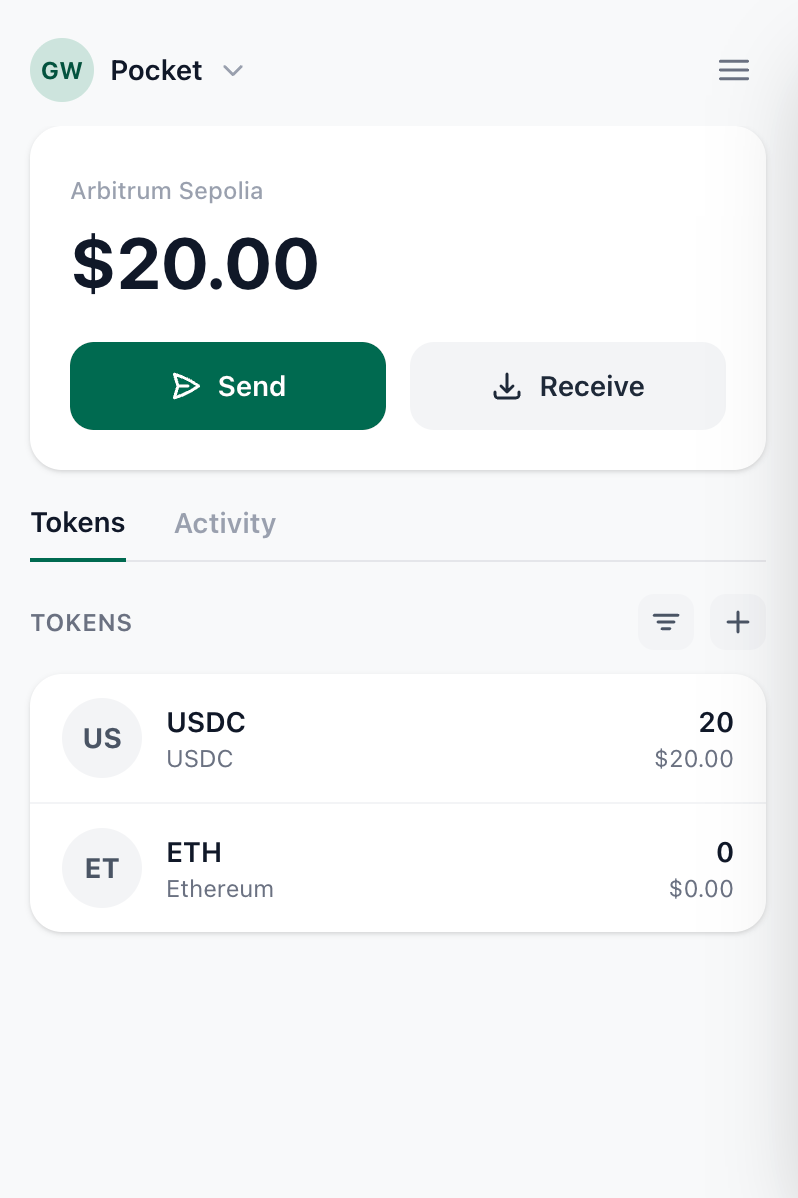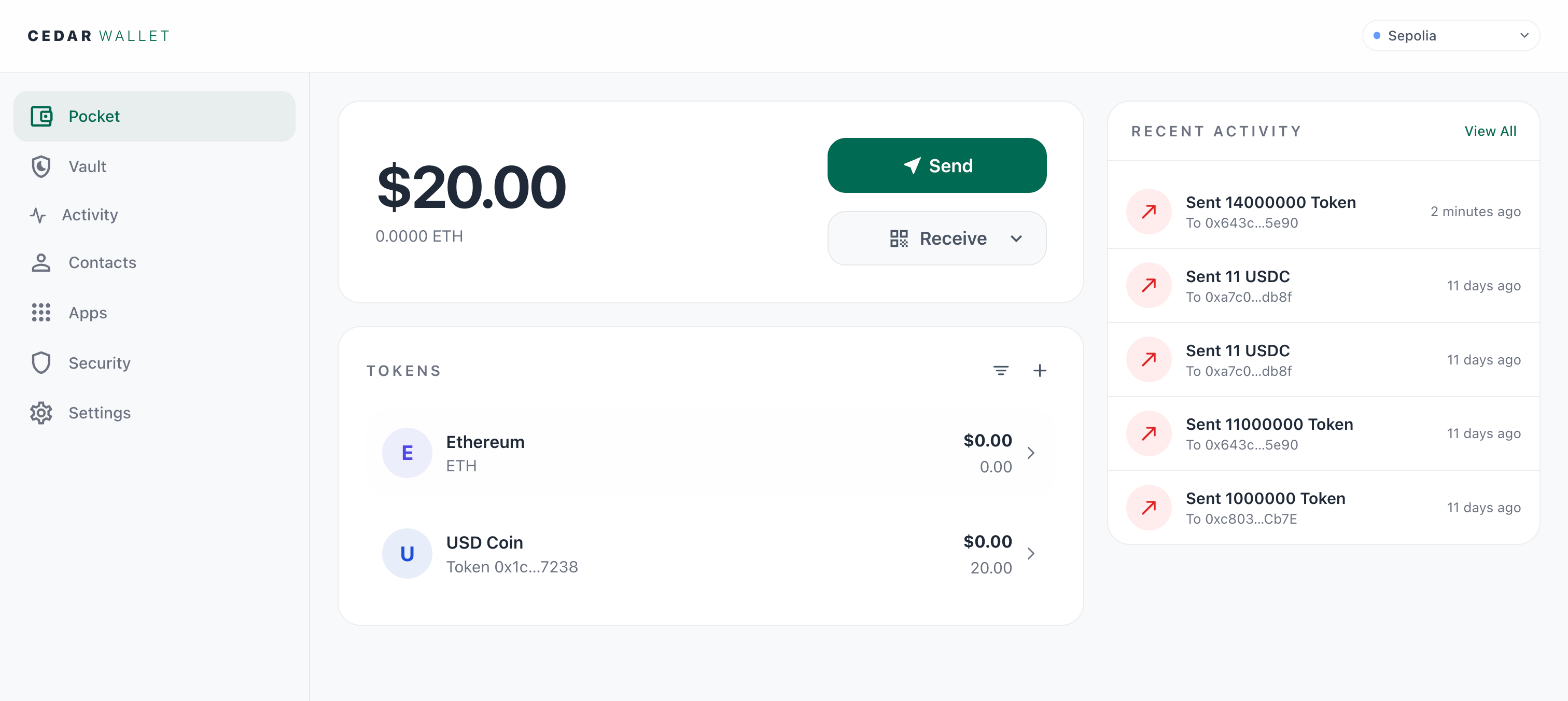
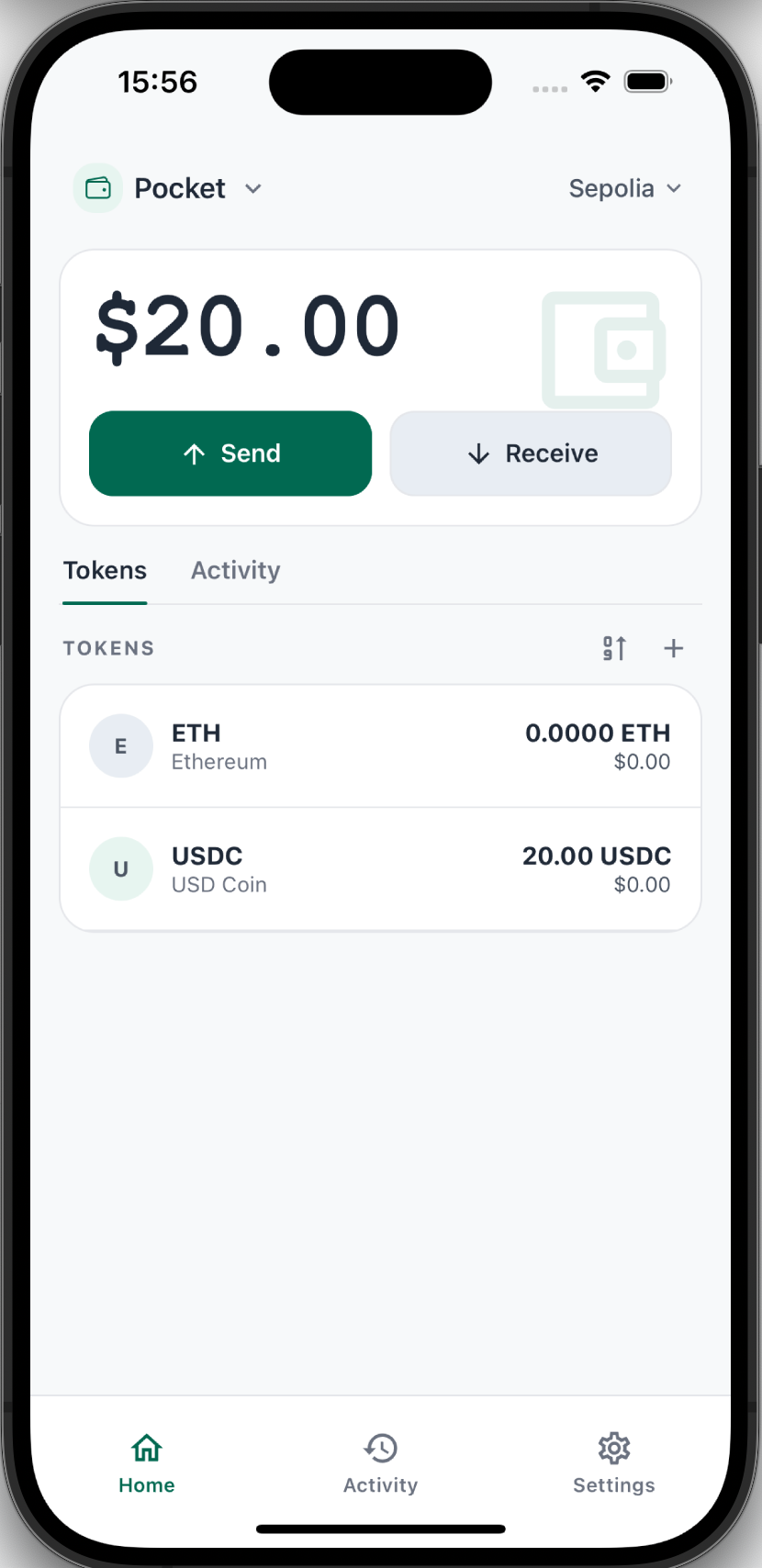
For everyday use.
Receive, send, and connect to crypto apps with passkey approval.
Use Pocket for everyday sends and crypto apps. Add Vault for spending controls, recovery, and actions that need more protection.
Use test tokens only. Do not send real funds.
Pocket + Vault
Pocket keeps everyday actions quick. Vault adds stronger review for funds and changes you want to protect.
Receive, send, and connect to crypto apps with passkey approval.
Require two approvals for Vault sends, spending limits, recovery, and sensitive account changes.
Spending limits protect routine Pocket spending. You can set and manage a limit, but Cedar's apps cannot start a transfer from it yet.
Vault security
Approve with your passkey plus either phone approval or your recovery phrase. Use phone approval for regular actions. Keep the recovery phrase offline; use it only for recovery or a fallback you choose to start.
Read the security modelCedar cannot approve Vault actions by itself. Your approval keys and recovery phrase stay under your control.
Web, browser extension, and iOS
Use the same Cedar account across all three surfaces.
Cedar currently supports iOS for its native app. Vault setup and phone approval require the iOS app.
Testnet early access
Open the web app to create your account and activate Pocket. Add the iOS app for Vault and the browser extension for crypto apps when you need them.
Do not send real funds.